What Is an eWallet Number and How Do You Get One? (2026)
Surprise: an eWallet number isn't a special number at all — it's just the cellphone number the money was sent to. Here's how to access it with *120*277#, where to spend it, and what an eWallet can't do.
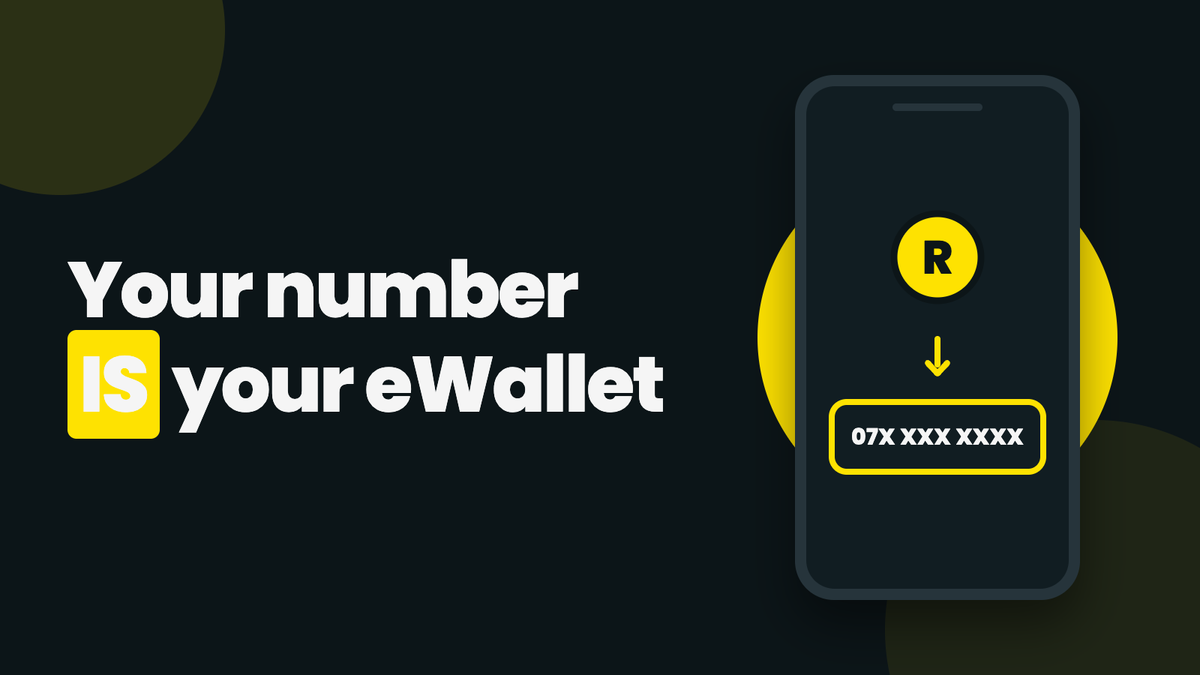
Quick answer: an eWallet number is not a special number you register for. It is simply the South African cellphone number the money was sent to. If someone sent you an FNB eWallet, your "eWallet number" is your own phone number, and you access the money by dialling *120*277# on that phone. There is no account number behind it, which is also why an eWallet cannot receive a salary or an EFT. Further down: how to give your number to a sender, what happens if you change numbers, and what to use when you need a real account number.
What Exactly Is an eWallet Number?
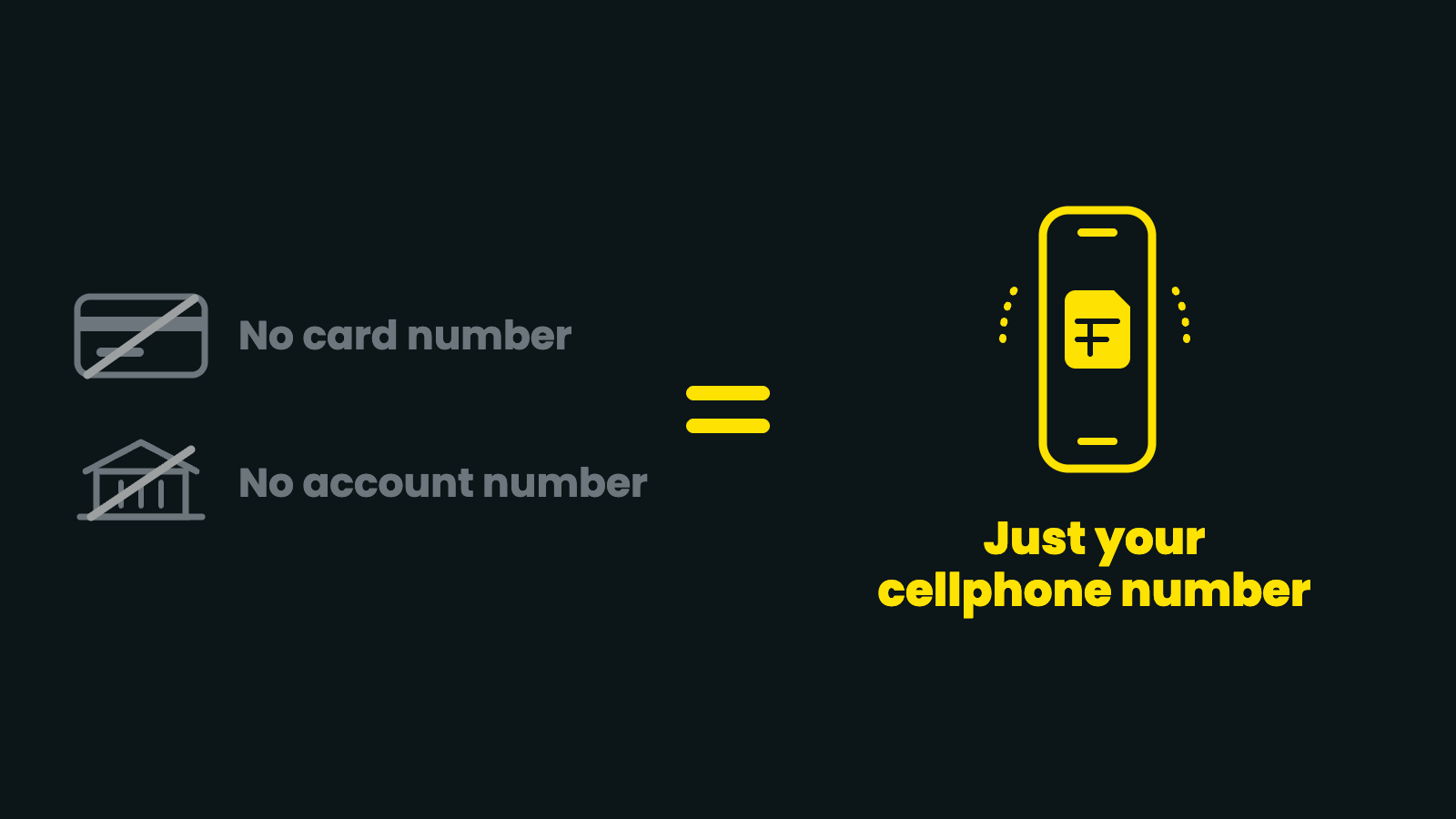
FNB's eWallet is a send-money service: a bank customer sends cash to any valid SA cellphone number, and a temporary wallet is created against that number. The cellphone number is the identifier. There is no separate card number, no account number, and nothing to set up in advance.
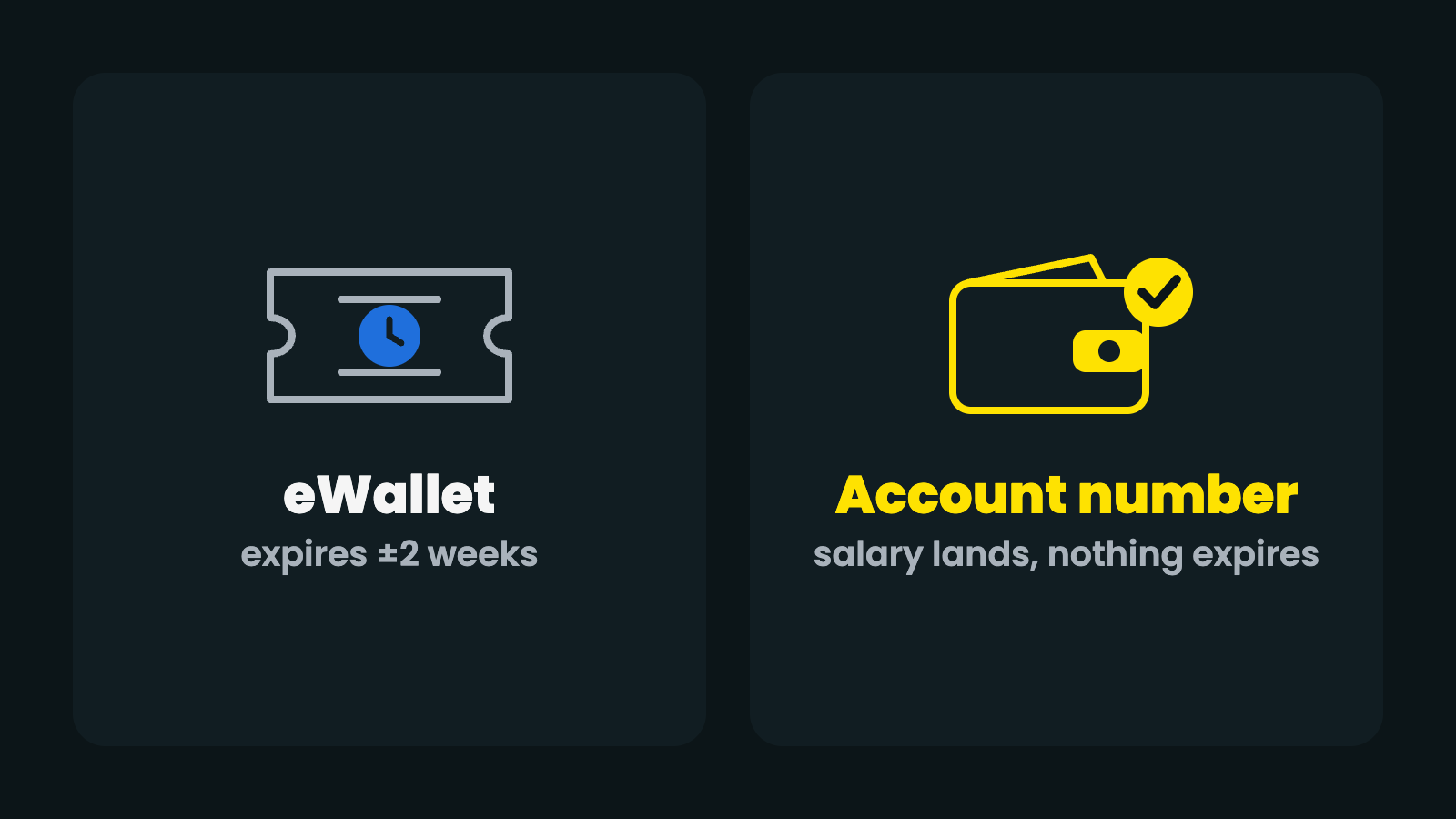
That design is what makes the service work for people without bank accounts, but it also causes the confusion this article exists to clear up: an eWallet is a voucher tied to a phone number, not an account. The money in it even has a shelf life. Unclaimed funds go back to the sender after about two weeks, something we have unpacked in detail in how long an eWallet takes to expire.
How to "Get" an eWallet Number
There is nothing to apply for. The checklist is short:
- Have a valid South African cellphone number. Prepaid or contract, any network.
- Give that number to the sender. They send money from their banking app to your number.
- Wait for the SMS. It confirms money has arrived and how to access it.
- Dial *120*277# on that phone to view the balance, generate a cash-out PIN, or send money onward.
The wallet is created automatically on the first transfer. If the SMS never arrives but the sender swears the money left their account, do not panic: here is what to check when money hasn't arrived.
Which Number to Give the Sender
Give the sender the number of the phone you actually have in your hand, written the way South African numbers are written: ten digits starting with 0, for example 082 123 4567. Most banking apps also accept the +27 format (+27 82 123 4567); both point to the same phone. Three details that catch people out:
- It must be a South African number. A Zimbabwean, Malawian or any other foreign number cannot receive an eWallet, even if the phone is in South Africa. Use a local SIM.
- It must be the number you can dial from. The cash-out PIN is generated by dialling *120*277# from that SIM, so a number you no longer have access to is money you cannot reach.
- One typo, wrong person. The money goes to whoever holds the number that was typed. Ask the sender to read the number back to you before they confirm.
What If You Change Your Cellphone Number?
The eWallet stays attached to the number the money was sent to, not to you as a person. If you have already received money on your old number and still have the SIM, cash it out before you switch. If the SIM is gone, the money cannot be moved to a new number from your side: the sender can reverse the unclaimed transfer from their own banking app (or through their bank) and send it again to your new number. Future transfers simply go to whatever number the sender uses, so update everyone who sends you money.
How to Check Your eWallet Balance
Dial *120*277# from the number the money was sent to and choose the balance option. If you have no airtime, *130*277# opens the same menu for free. The same menu is where you generate the withdrawal PIN. How the PIN works, where to take it and what to do if it expires is the subject of our step-by-step guide to withdrawing eWallet money, so we will not repeat it here.
A safety note that matters in 2026: fake "eWallet received" SMSes are a common scam, often used as false proof of payment. The bank never sends payment confirmations from a personal mobile number. If an SMS looks off, verify the balance yourself by dialling *120*277# before handing over any goods, and never share a cash-out PIN or OTP with anyone.
eWallet Number vs Account Number: What It Cannot Do
Three things matter more than the codes above, and they are the reason this article exists:
- It cannot receive EFTs. No account number means payroll, SARS refunds and debit orders have nowhere to point. Nobody can "pay into" your eWallet except by sending a new person-to-person transfer.
- It is not a place to keep money. Unclaimed transfers return to the sender after about two weeks, and the balance is capped at R14,000.
- It has running costs for the sender. Every transfer carries a fee: fine occasionally, expensive as a monthly routine.
For receiving money now and then, none of this matters much. For getting paid, it matters a lot. If you want the whole picture of how the service works, start with our complete guide to eWallet in South Africa.
Need an Actual Account Number? There Is a Better Tool
If you landed here looking for a number an employer can pay a salary into, what you need is not an eWallet. It is an account with its own account number and payment reference. That is a different category of product, and you do not need a traditional bank to get one: a SOLmate account opens with just a South African ID, foreign passport or asylum documentation, no work permit needed, and gives you a real account number that accepts EFTs.
From there, your salary lands by normal EFT, nothing expires, and you spend with a Mastercard debit card or cash out at the same retailers you already know. The eWallet stays what it is best at, a quick way to send cash to any phone number, and your own money finally gets a permanent address.
eWallet Number FAQ
What is an eWallet number?
It is the South African cellphone number an eWallet was sent to. There is no separate account or card number; the phone number is the whole address.
How do I find my eWallet number?
It is your own cellphone number, the one the "you have received money" SMS arrived on. Dial *120*277# from that phone to see the balance.
Can I receive an eWallet on a foreign number?
No. The service only works with valid South African cellphone numbers. Use a local SIM, or open an account with a real account number instead.
Does an eWallet number expire?
The number does not, but the money does: an unclaimed eWallet is returned to the sender after about two weeks. Cash it out or send it on before then.
Can I get a salary paid to my eWallet number?
No. Payroll needs an account number and a bank or wallet that accepts EFTs. An eWallet is a one-off transfer, not an account.
Sources: FNB eWallet official page, FNB eWallet Product Guidelines. FNB details as published in July 2026; always confirm current rules and fees with your provider. Facts re-checked against SOLmate product pages (/fees, /open-account, /help/receive-salary-or-payments) on 10 October 2026. SOLmate is not a bank. SOLmate (SOL Ecosystem (Pty) Ltd) is an authorised financial services provider (FSP No. 52248) and registered credit provider (NCRCP16037).