Which Banks Have PayShap and How to Switch It On
Every bank live on PayShap in one table, the switch-on pattern that is the same everywhere, and your honest options if your bank — or your wallet — isn't on the network.

PayShap is not an app you download and not a website you sign up on. It's a payment rail built into the apps of participating banks — so "getting PayShap" really comes down to two questions: is your bank on the network, and where in your bank's app do you switch it on? Below is the current participant table, the switch-on pattern that's the same everywhere, and what to do if your bank isn't there yet.
Banks Live on PayShap (October 2026)
The network launched in March 2023 with four banks and has been adding participants ever since — the newest joined in 2026. Here is the list, alphabetically:
| Bank | Live on PayShap? | Joined |
|---|---|---|
| Absa | Yes | March 2023 (launch) |
| African Bank | Yes | 2024 |
| Al Baraka Bank | Yes | 2026 |
| Capitec | Yes | 2023 |
| Discovery Bank | Yes | 2023 |
| FNB | Yes | March 2023 (launch) |
| HBZ Bank | Yes | 2026 |
| Investec | Yes | 2023 |
| Nedbank | Yes | March 2023 (launch) |
| OM Bank (Old Mutual) | Yes | 2026 |
| Standard Bank | Yes | March 2023 (launch) |
| GoTyme Bank (formerly TymeBank) | Yes | 2024 |
PayShap counts 15 scheme participants (payshap.co.za, October 2026); the 12 banks above are those named publicly, and membership keeps growing, so check payshap.co.za for the latest list.
Two notes on this table. First, it's a statement of participation, not a comparison — every bank on it runs the same rail, and each prices it differently. Second, the list moves: banks keep joining, so the authoritative live version is always the participant list on payshap.co.za.
How to Switch PayShap On
Because PayShap lives inside each bank's own app, there is no universal set of steps — but the pattern is the same everywhere:
- Open your bank's app — the one you already use, not a new download.
- Find PayShap in the payments or settings menu. Some banks surface it as "PayShap", others under "Pay" or "ShapID".
- Register a ShapID — in most apps that means linking your mobile number to the account you pick. That number becomes your payment address, so people can pay you without ever asking for your account number. (Full story in our ShapID guide.)
- Confirm, and you're on. Receiving usually needs nothing further; sending works from the same menu.
The exact wording, menu location and fees are your bank's territory — check its app and its latest pricing guide rather than a third-party screenshot that may be a version behind. For what PayShap costs in principle and why banks price it so differently, see the fees section of our full PayShap guide.
Searching "PayShap Capitec Registration"? There's No Site for That
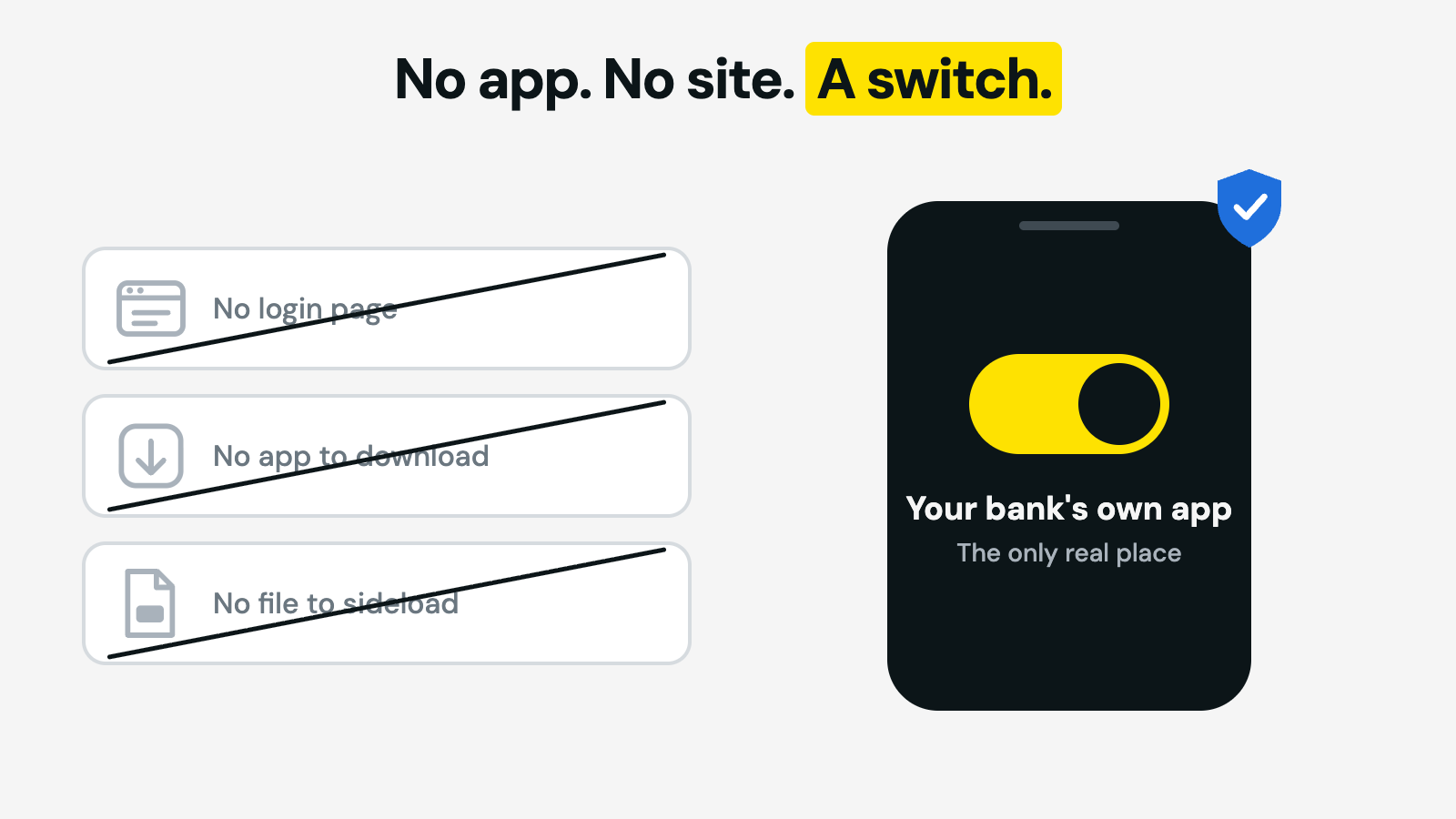
Thousands of people every month search for a PayShap login page, a PayShap registration site or a PayShap app for their bank. None of these exist — and that's worth saying bluntly, because pages pretending to be them do exist. There is no central PayShap portal where you enter your details, no APK to sideload, and no per-bank "PayShap registration" website. If a page asks you to log in to PayShap or to register your bank card "for PayShap", close it: the only legitimate place to switch PayShap on is inside your own bank's official app, and the only official information site is payshap.co.za, which never asks for your banking details.
What If Your Bank Isn't on the List?
You still have the two older rails. An RTC (real-time clearing) payment reaches any South African bank in about an hour, usually at a premium price; a standard EFT is the cheapest option but settles in batches, which can mean the next business day — we break down that trade-off in our Instant EFT vs RTC guide. It's also worth simply asking your bank: the 2026 joiners show the network is still growing, and smaller banks tend to announce PayShap support in their app updates first. And if the real problem is that you don't have a bank account to switch anything on in, there are more routes to receiving money than most people think — we've mapped them in how to get paid without a bank account.
No Bank Account at All? A Wallet Works Too
If you're reading this list because you need somewhere to receive money — not because you're attached to a particular bank — a wallet account is the faster route. A SOLmate account opens in about 3 minutes from your phone with an SA ID, passport, or asylum or refugee permit, costs R10.00 a month without a card, and receiving money into it by EFT is free. Anyone with a banking app, PayShap or not, can pay you.
From FNB to Capitec in Seconds: Paying Across Banks
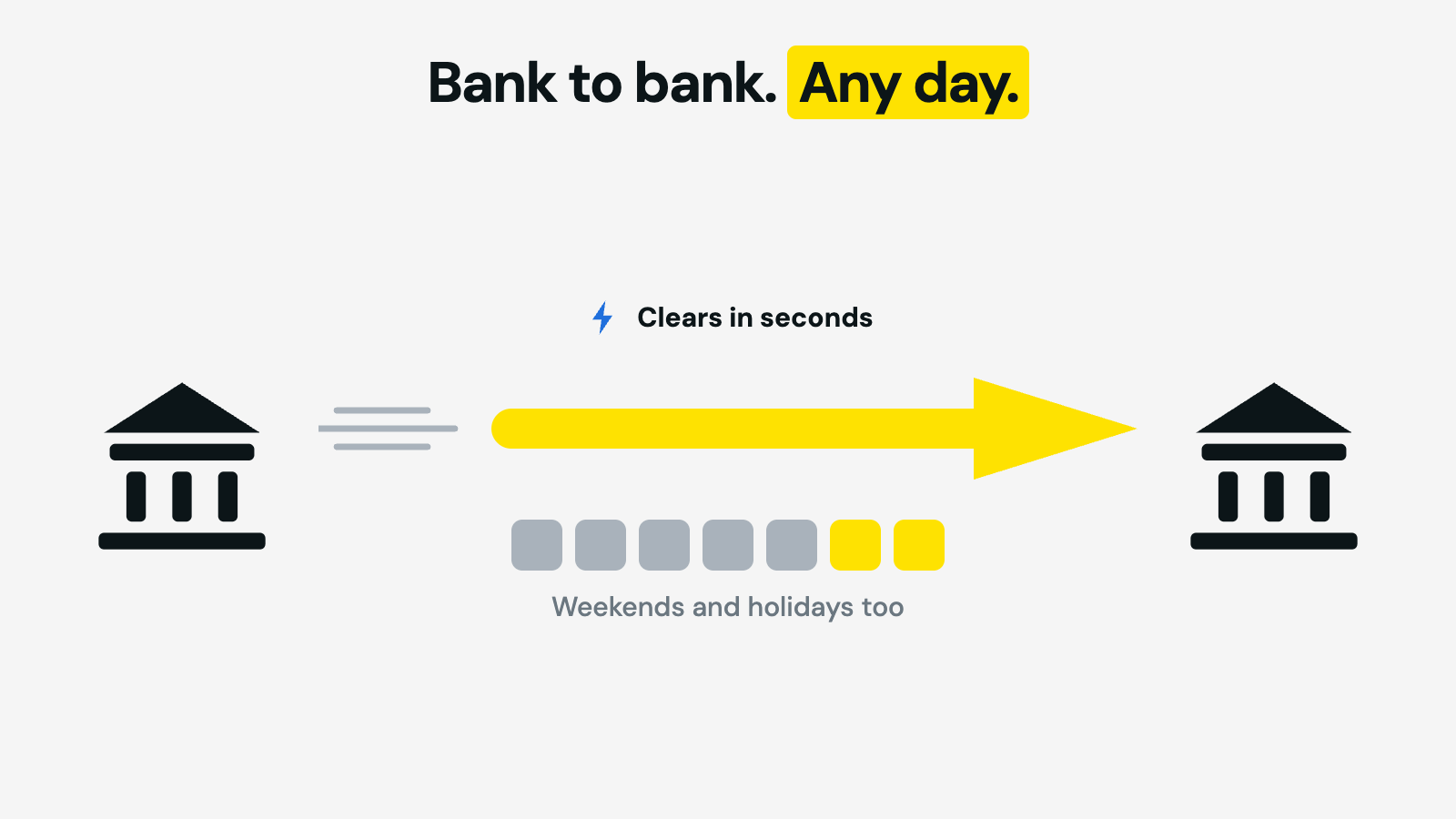
A large share of PayShap searches are really one question: "how do I get money from my bank to someone at a different bank right now — including on a Friday night?" That is exactly what the rail was built for. If both banks are in the table above, a PayShap payment clears in seconds, any day of the week, weekends and public holidays included — there is no batch window to miss. The sender starts the payment in their own bank's app, enters your ShapID (or account details), and the money is spendable on arrival.
If one side isn't on PayShap, RTC is the fallback for speed and standard EFT for price. Which rail to pick for which situation — including the Friday-evening problem and the "instant EFT" checkout button that isn't actually an EFT — is the subject of our PayShap vs EFT vs RTC comparison.
Where SOLmate Fits
Honesty first: SOLmate is a wallet, not a bank, so it is not part of the PayShap network and doesn't issue ShapIDs. What it does instead: money comes in by EFT free of charge from any bank, goes out by EFT for R8.00 or by RTC for R40.00 when it can't wait, and SOLmate-to-SOLmate transfers are free and instant. The account is R10.00 a month (R29.00 with a Mastercard debit card, activation from R49.00), with limits of R10,000 a day and R25,000 a month — details on the pricing page. If PayShap's promise is "money that arrives when you send it", a wallet gets you most of the way there without a bank account at all — open one here.
FAQ
Is there a PayShap app to download?
No. PayShap is a payment rail that runs inside participating banks' own apps. Anything in an app store or on a website that calls itself a PayShap app or a PayShap registration portal is not official — treat it as a phishing risk.
How do I get a ShapID?
You create one inside your bank's app when you switch PayShap on — usually by linking your mobile number to the account you choose. Each bank labels the menu differently, and you can move a ShapID to another bank later.
Does SOLmate support PayShap?
No. SOLmate is a wallet, not a bank, so it isn't part of the PayShap network. You can still move money in and out of a SOLmate wallet by EFT (free in, R8.00 out) or RTC (R40.00), and SOLmate-to-SOLmate transfers are free and instant.
What does PayShap cost?
Each bank sets its own PayShap pricing, and several banks have changed their fees since launch. There is no single network price, so check your own bank's latest pricing guide before you send.
How much can I send with PayShap?
The network ceiling is R50,000 per transaction, but each bank can set lower daily or per-payment caps. Your bank's app shows the limit that actually applies to you.
What if my bank doesn't offer PayShap?
You can still send an RTC payment (fast, usually pricier) or a standard EFT (slower, cheaper), and the participant list keeps growing — new banks joined as recently as 2026. Check payshap.co.za for the current version.
Sources
Bank participation is listed as fact only, from the participant list on payshap.co.za, current as of October 2026; the list and join dates may change. Activation steps and PayShap fees are set by each bank and live in each bank's own app and pricing guide; we deliberately don't reproduce per-bank menus or tariffs because they change. SOLmate pricing and limits are from solmate.co.za/fees and the SOLmate Help Centre, re-checked on 12 October 2026.
SOLmate is not a bank. SOLmate (SOL Ecosystem (Pty) Ltd) is an authorised financial services provider (FSP No. 52248) and registered credit provider (NCRCP16037). This article is general information, not financial advice.