How to Withdraw eWallet Money With No Card, No Account and No Airtime (2026)
Got an SMS saying money was sent to your number? Here's exactly how to turn it into cash — the USSD codes, the ATM route with no card, the supermarket tills that pay out, and the two clocks you need to respect while you do it.
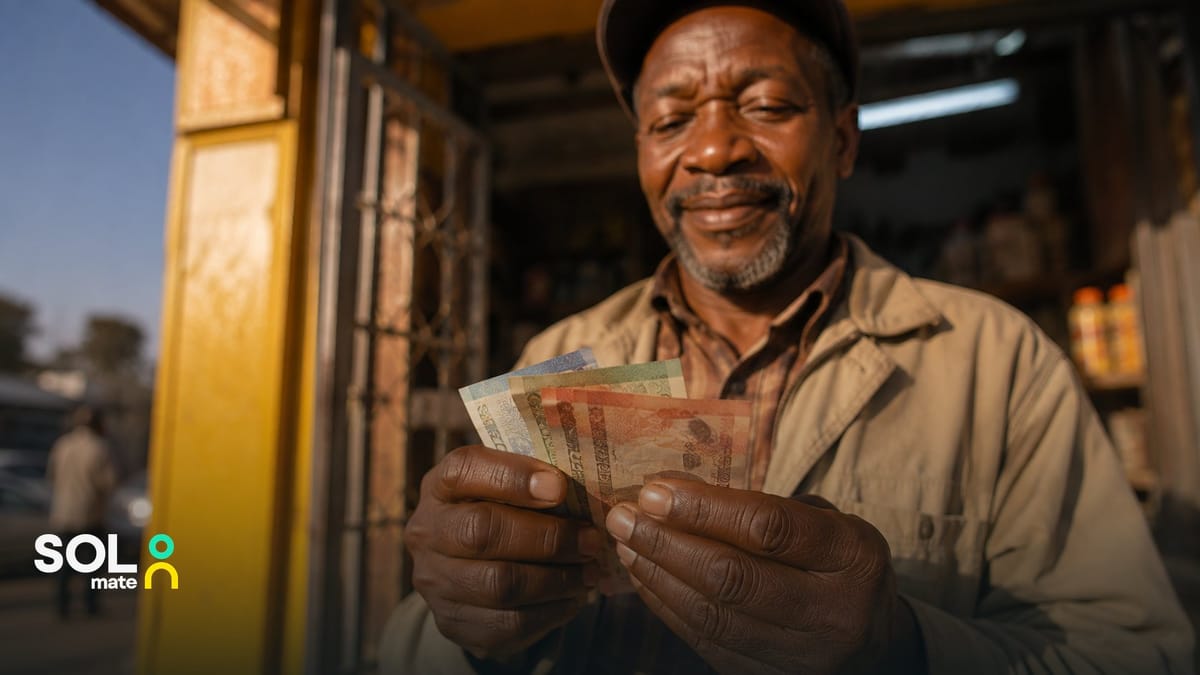
Quick answer: to withdraw eWallet money, dial the USSD code of the service that sent it, from the phone that received the SMS. For FNB eWallet: *120*277# (out of airtime? start with the free *130*277#) → Get Cash → you receive a one-time PIN → take cash at an FNB ATM with no card, or at tills in Pick n Pay, Checkers, Shoprite, Usave, PEP and Ackermans. No bank account, no card, no documents. Two clocks to respect: the PIN lives hours, the money itself lives weeks.
First: Which Service Sent You the Money?
The withdrawal route depends on the sender's service, and the SMS tells you which one it is. If it mentions FNB eWallet, use the FNB routes below; they work whether or not you bank anywhere. If it mentions SOLmate, your SMS contains a PIN and voucher already; see that section. Other banks' send-to-cellphone services follow the same pattern with their own codes; check the SMS for the dial string. And if you're not sure what "sent to your number" even means, we explain how the whole eWallet system works in a separate guide. This one is just the cash-out step.
Withdrawing an FNB eWallet: The USSD Route (Works on Any Phone)
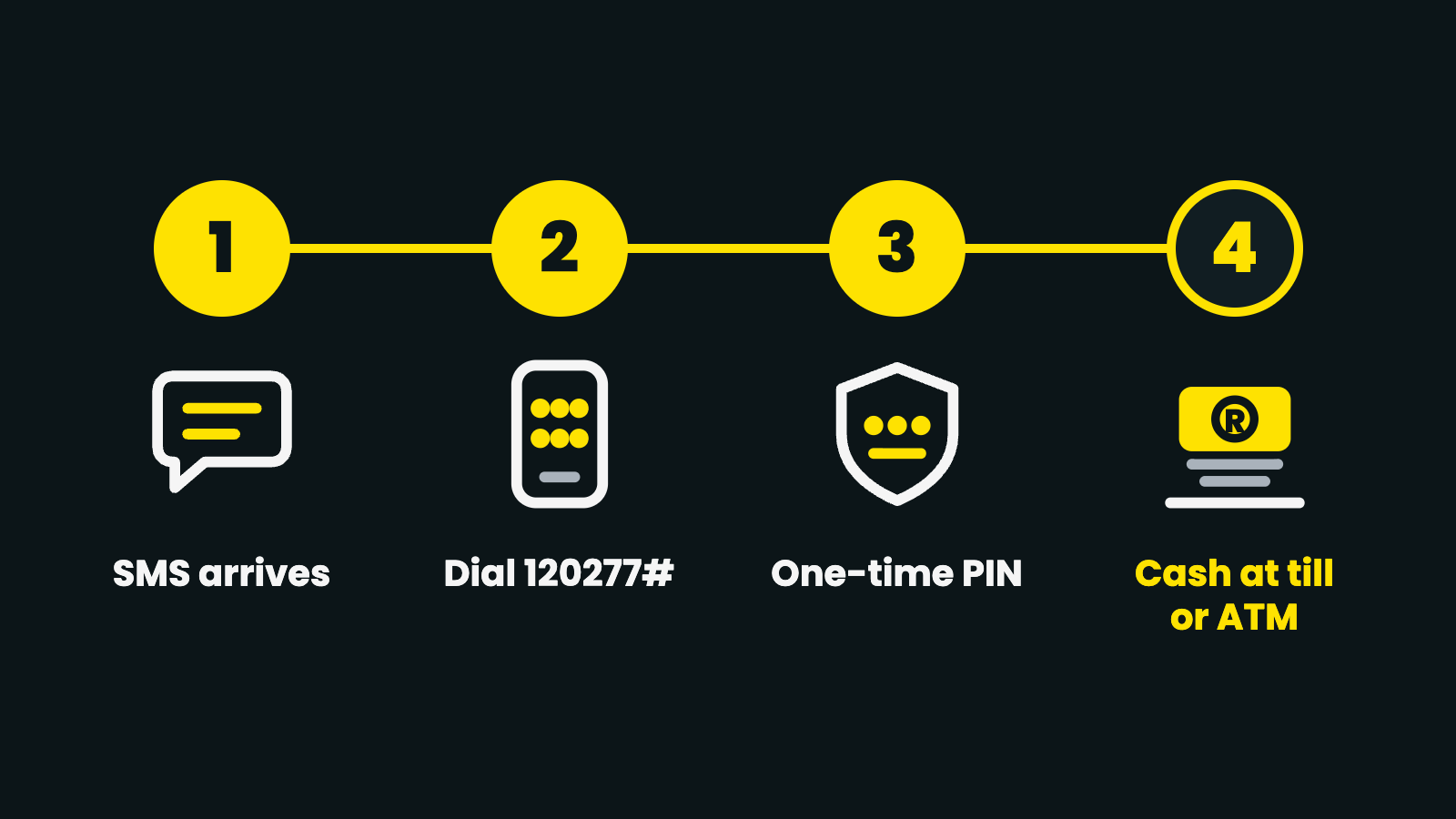
- Dial *120*277# from the number that received the money. No airtime? Dial the free string *130*277# first: FNB directs you to buy airtime there, and after that you use *120*277#.
- Select "Access eWallet", then "Get Cash".
- Receive your one-time PIN by SMS (sometimes with a reference number, depending on where you'll withdraw). The PIN is valid for 16 hours.
- Cash out at an ATM or a till (both routes below).
This works on the most basic feature phone: no app, no data, no smartphone. The same PIN can also be generated in the FNB App (eWallet → Account Options → Withdraw Cash) or via FNB's WhatsApp service if you prefer screens to dial strings.
eWallet Code vs eWallet PIN: Which One You Need
People search for "eWallet code" and "eWallet PIN" as if they were the same thing. They are three different things, and mixing them up is the most common reason a withdrawal fails:
- The USSD code is the string you dial: *120*277# (or *130*277# with no airtime). It costs nothing to remember and never changes. This is what most people mean by "the eWallet code".
- The withdrawal PIN (also called the ATM PIN or cash-out PIN) is the one-time number FNB sends you by SMS after you choose Get Cash. It is tied to your cellphone number, valid for 16 hours, and it is the only thing the ATM or the cashier will ask for. If it expires, dial again and get a new one; the money does not move.
- The purchase OTP is a separate one-time code for paying at a till or a fuel forecourt without taking cash out, generated with *120*277*4#. It is not the withdrawal PIN and will not work at an ATM.
One rule covers all three: nobody needs any of them to send you money. A caller asking for your PIN "so the eWallet can clear" is a scam, every time.
Route A: The ATM, No Card Needed
- At an FNB ATM, select "Cardless Services" → "eWallet Services".
- Key in your cellphone number.
- Enter the ATM PIN you received by SMS.
- Select the amount, take your cash.
The machine never asks for a card: the phone number plus the one-time PIN is the whole identity check.
Route B: The Supermarket Till
Generate the PIN the same way, then collect at tills in Pick n Pay, Checkers, Shoprite, Usave, PEP and Ackermans (and selected SPAR stores). Tell the cashier you're collecting eWallet money, give your cellphone number and the PIN. Often the till is the better route: it's inside a busy shop rather than on a street corner, there's no ATM queue, and you can do the grocery run in the same trip. You can also spend directly without withdrawing at all: dial *120*277*4# for a purchase OTP and pay for goods or fuel at Shell, Sasol, Engen and TotalEnergies forecourts.
If the Money Came From a SOLmate Ewallet
SOLmate's Ewallet delivers everything in one step. The transfer usually processes in under 5 minutes, and the SMS you receive already carries your voucher number and PIN (no separate generation step), plus a list of the places that pay it out. Two things worth knowing: the voucher stays valid for 30 days, and until it is redeemed the sender can cancel it through SOLmate's in-app support chat. So if you're planning to collect, don't sit on it for weeks.
The Two Clocks: Don't Confuse Them
The PIN's clock is short by design: 16 hours at FNB. An expired PIN costs you nothing: the money stays put, and you generate a new one in a minute. The money's clock is longer but real: unclaimed transfers return to the sender after about two weeks at FNB and 30 days at SOLmate. If the balance "disappeared", it almost always went home to the sender; the full breakdown of every timer is in the eWallet expiry guide. Practical rule: generate the PIN when you're already near the till, and don't leave the money itself for "someday".
No Airtime, a Lost SMS, the Wrong Number
- No airtime. FNB's free string *130*277# works on a zero balance. It takes you to an airtime purchase, and after that you dial *120*277# as normal. USSD needs no data and no smartphone.
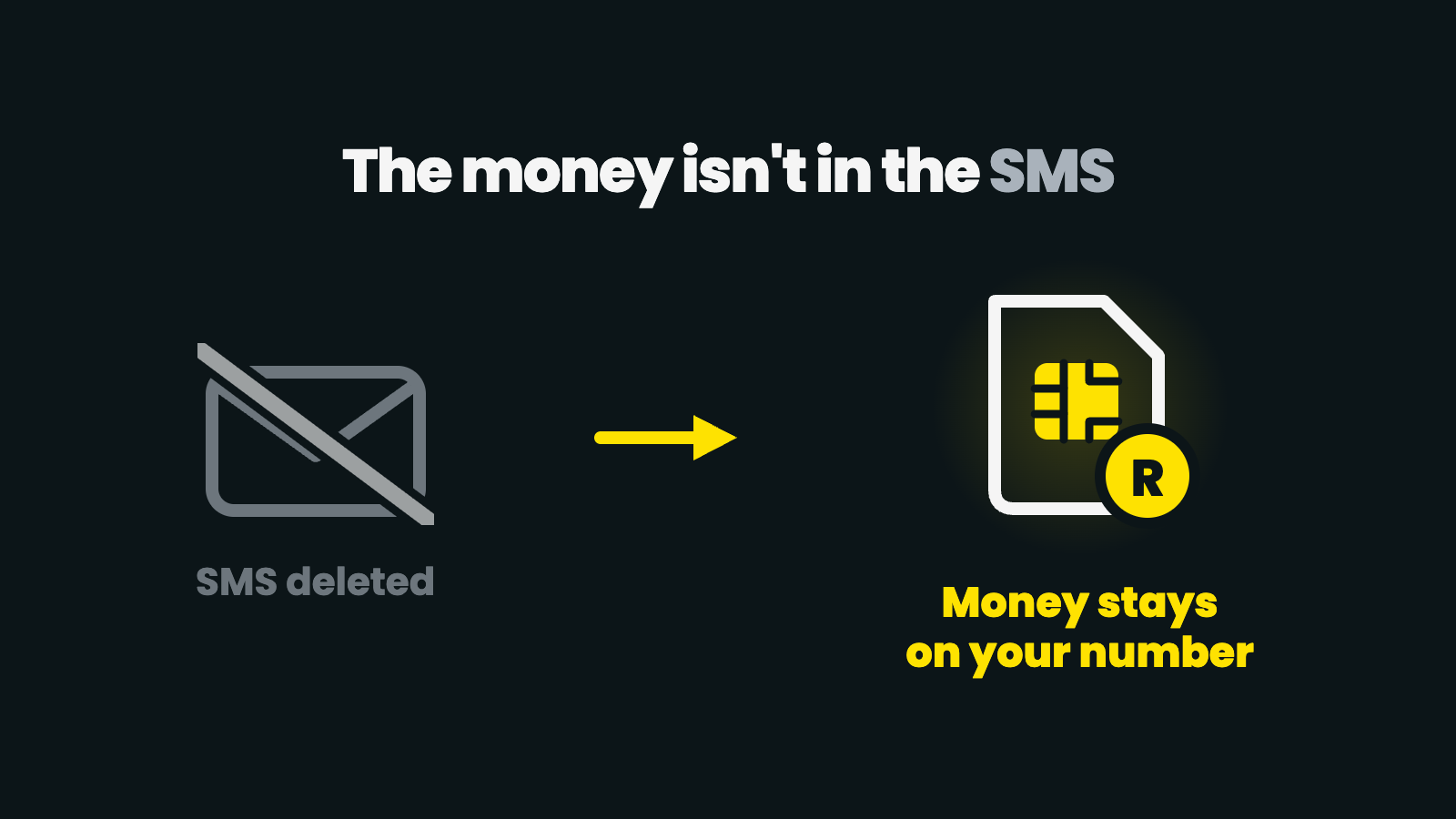
- SMS deleted or lost. With an FNB eWallet the money isn't in the SMS; it's against your number. Dial the USSD code and generate a fresh PIN; the balance will show. A SOLmate Ewallet is different: the PIN arrives in the SMS itself, so ask the sender to contact SOLmate support in the in-app chat and have the SMS resent.
- Sent to the wrong number / suspicious SMS. Senders can reverse an FNB eWallet within 72 hours (fees apply, max 3 a month), and a real balance always shows in the USSD menu. If an "eWallet received" SMS isn't matched by a balance there, it's a fake; never release goods against an SMS alone.
Withdrawing Your Own Money Without a Card? Different Guide
Everything above is for money someone sent to your number. If you have your own wallet or account balance and want cash without a card (codes at the till, cardless ATM services, what each costs), that's a separate set of routes: how to withdraw money without a card.
When eWallet Cash-Outs Become Your Payday
If eWallet cash-outs have become your payday routine (wages arriving as vouchers, PIN queues every month), you're doing the hard version of banking. A cellphone number receives vouchers; it isn't an account number, and payroll can't pay it properly. An account with a real account number takes EFTs directly, holds money with no expiry clock, and still lets you take cash at the same supermarket tills. It opens in about 3 minutes with a passport, SA ID or asylum permit: the upgrade from "collecting money" to "being paid".
eWallet Withdrawal FAQ
How do I withdraw eWallet money?
Dial *120*277# from the phone that received the SMS, choose Get Cash, and use the one-time PIN at an FNB ATM (Cardless Services) or at a Pick n Pay, Checkers, Shoprite, Usave, PEP or Ackermans till.
What is the eWallet code?
Usually people mean the USSD string *120*277#, which opens the eWallet menu. The one-time number you get after choosing Get Cash is the withdrawal PIN, not the code.
My eWallet PIN expired. Is the money gone?
No. The PIN lasts 16 hours; the money stays against your number for about two weeks. Dial *120*277# and generate a new PIN.
Can I withdraw eWallet money without a card?
Yes. That is the whole point of the service: the ATM and the till only ask for your cellphone number and the one-time PIN.
Can I withdraw eWallet money at Shoprite or Pick n Pay?
Yes, at the till, with your cellphone number and the PIN. Checkers, Usave, PEP, Ackermans and selected SPAR stores also pay out.
What if I have no airtime?
Dial the free string *130*277#. It lets you buy airtime from the eWallet balance, and then *120*277# works as normal.
Sources: FNB eWallet official page, SOLmate Ewallet help page. FNB steps, codes and retailer lists were re-checked on FNB's eWallet page on 8 October 2026. The roughly two-week return window is not stated on that page and stands as published in August 2026. Services update their menus, so check the provider's official page if a step looks different. Facts re-checked against SOLmate product pages (/help/what-is-ewallet, /help/wicode-overview, /fees, /open-account) on 8 October 2026. SOLmate is not a bank. SOLmate (SOL Ecosystem (Pty) Ltd) is an authorised financial services provider (FSP No. 52248) and registered credit provider (NCRCP16037).